Winter’s chill offers a perfect opportunity to dream of spring blossoms and fresh harvests on your balcony. While the ground outside might sleep, your green thumb doesn’t have to. You can actively prepare for a thriving spring balcony garden right from your cozy indoors. Forget sketching on paper or trying to visualize plant arrangements in your head. Today, powerful, free garden planning apps bring the garden design studio to your fingertips. These digital tools transform your winter planning into a fun, interactive, and incredibly effective process. They empower you to visualize your space, select the perfect plants, and strategize for a season of success, even if your garden is just a few containers on a small patio.
This guide will walk you through how to leverage these digital helpers. You’ll discover how to create a stunning container garden layout, optimize every inch of your small space, and build a personalized plan that sets you up for a bountiful spring. We focus on free apps because accessible tools mean everyone can experience the joy of organized, thoughtful gardening. Prepare to turn your gardening dreams into concrete plans, long before the first daffodil dares to bloom.
Why Digital Garden Planning Transforms Your Balcony
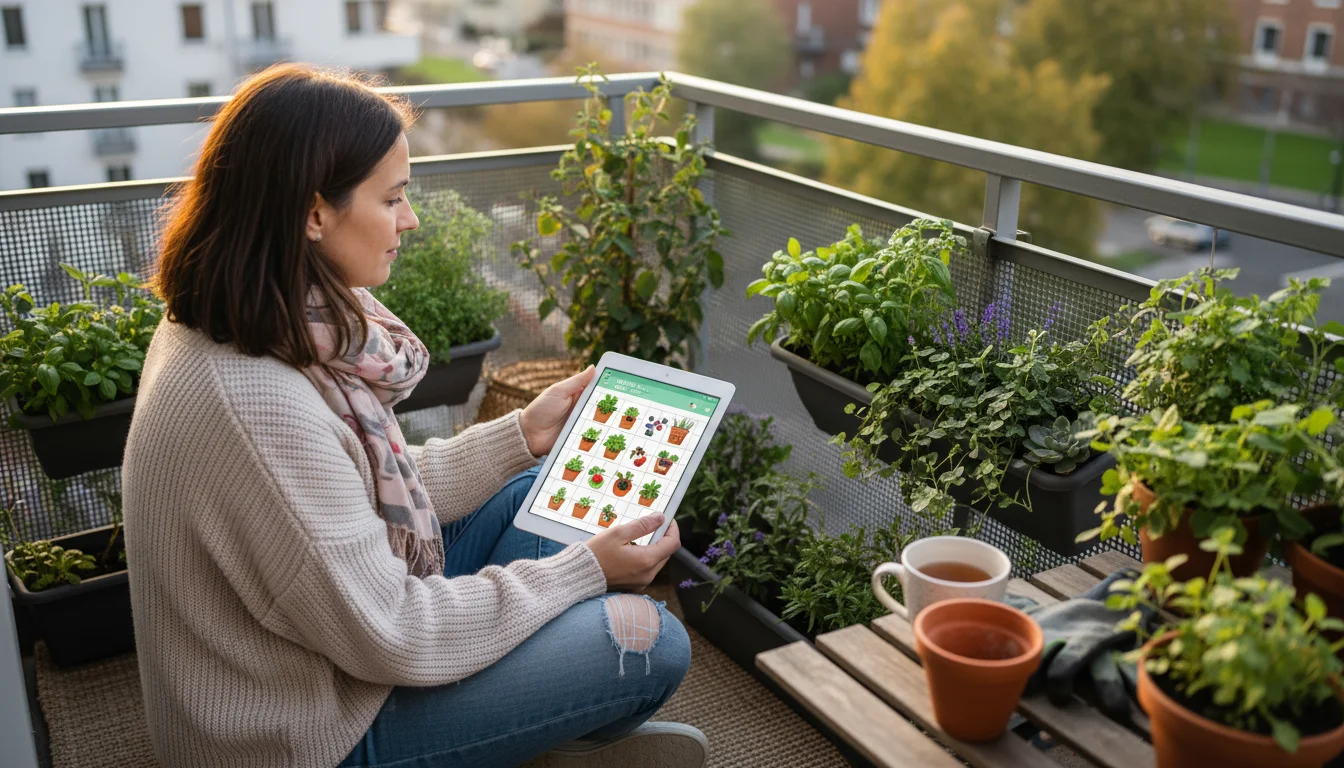
You might wonder if a digital approach really makes a difference for a small balcony or patio garden. The answer is a resounding yes. Traditional pen and paper methods work, but free garden planning apps offer unparalleled advantages, especially for limited spaces and busy schedules. They provide precision, flexibility, and a wealth of information at your fingertips, making the entire process less intimidating and more efficient.
For beginner and intermediate gardeners, these apps act as a virtual coach, guiding you through decisions that might otherwise feel overwhelming. You gain the ability to experiment with different container garden layouts without lifting a single pot. You can test various balcony garden design ideas, considering sunlight, wind, and even aesthetic appeal, all before you buy a single seed or plant. This foresight saves you time, money, and the frustration of realizing your layout isn’t ideal after you have already planted everything.
Digital tools also excel at organization. They help you keep track of your planting dates, watering schedules, and harvest times. For those exploring the best free app for planning a small vegetable garden, the ability to log varieties, growth progress, and yields proves invaluable for improving future seasons. Think of it as a personalized gardening assistant available 24/7. Moreover, many apps integrate sustainable practices, offering advice on companion planting or water-wise strategies, which helps you cultivate an environmentally conscious garden from the start.

Choosing Your Digital Helper: What to Look for in a Free App
Before we dive into specific types of apps, understanding what features benefit a small-space gardener helps you make the most of your digital planning. Not all apps offer the same functionality, and finding the right blend for your needs enhances your experience. When evaluating a free garden planning app, consider these key aspects:
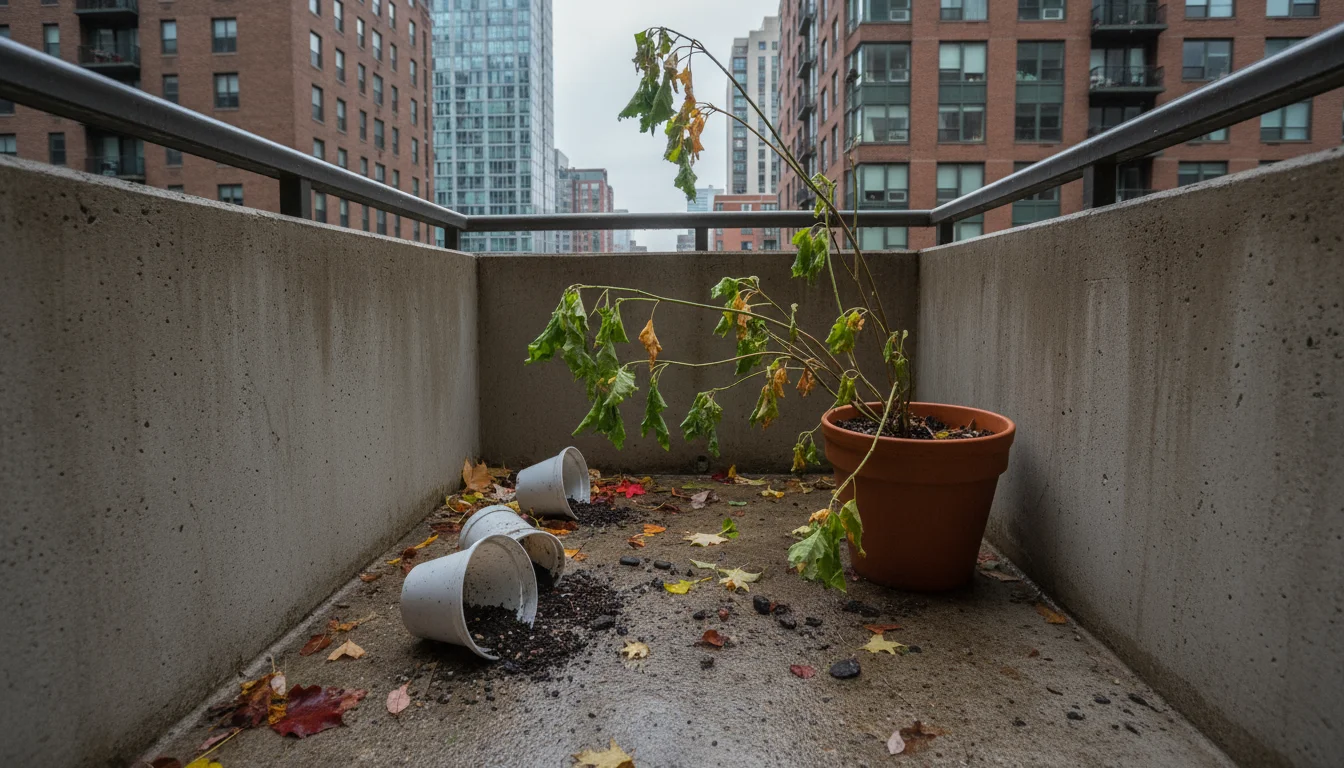
This digital phase is also the perfect time to fix last season’s layout mistakes using the clean slate of winter.
While selecting your software, it is also a great time to plan and save for next year’s dream balcony garden to keep your spring ambitions affordable.
- Intuitive Interface: You want an app that is easy to navigate, even if you are not tech-savvy. A clean design and straightforward controls make planning enjoyable, not a chore.
- Layout Tools: For balcony garden design, look for features that allow you to draw your space, add containers of various shapes and sizes, and drag and drop plants. This helps immensely with “how to plan container spacing with an app.”
- Plant Database: A comprehensive database offering information on plant needs, mature sizes, sunlight requirements, and hardiness zones is crucial. It informs your plant selections for your specific balcony conditions.
- Journaling Features: A good digital garden journal for beginners allows you to log observations, track planting dates, and record harvests. This helps you learn and adapt year after year.
- Task Management: Reminders for watering, fertilizing, or pest checks keep your garden healthy and prevent neglect.
- Community Features: Some apps offer a community aspect, allowing you to share ideas and ask questions. This provides valuable support and inspiration.
- Offline Access: If your balcony is outside Wi-Fi range, offline access for your plans or plant information is a huge plus.
Remember, “free” means different things. Some apps offer robust free versions with optional paid upgrades, while others are entirely free. We focus on those that provide significant value without requiring a subscription.
App 1: The Visual Layout Designer for Balcony Garden Design
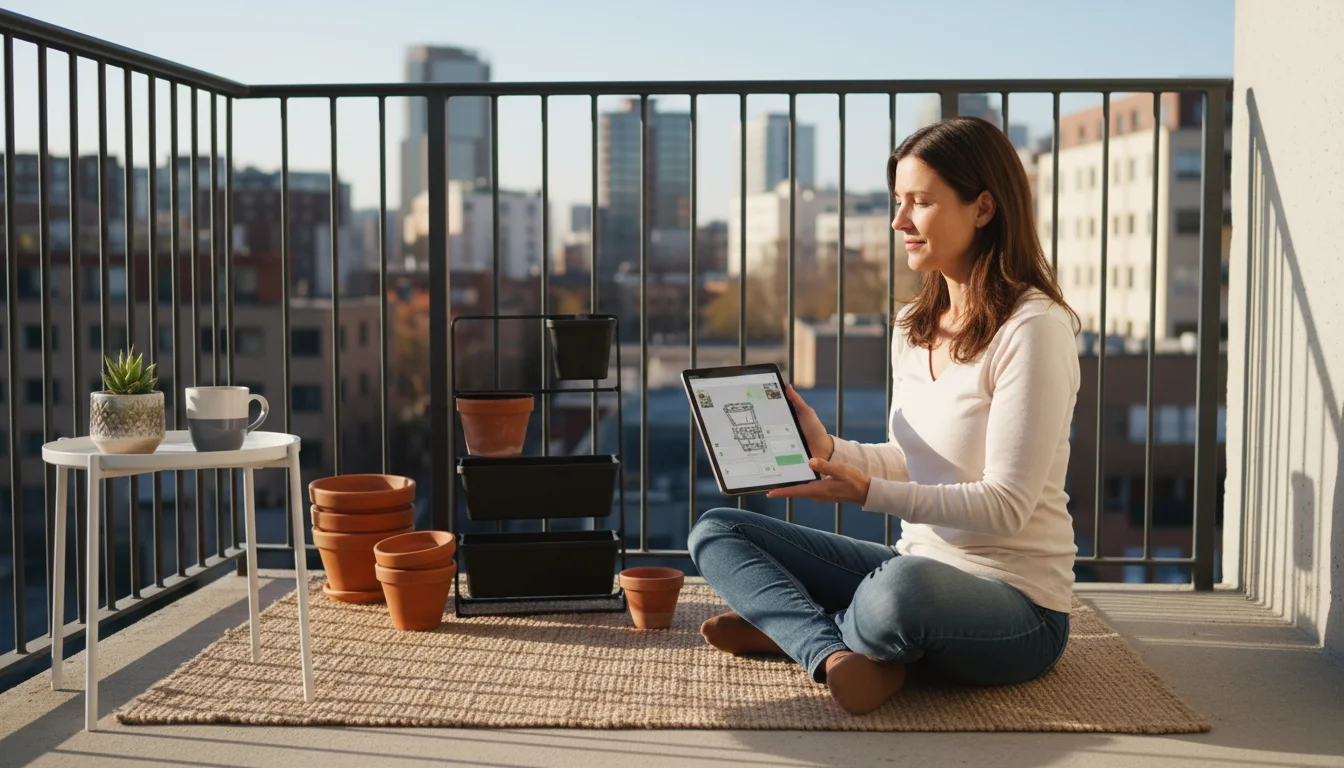
Imagine drawing your balcony or patio digitally, adding your specific containers, and then dropping in virtual plants to see how everything fits. This is the power of a visual layout designer app. These tools are indispensable for creating an effective balcony garden design and truly understanding your container garden layout.
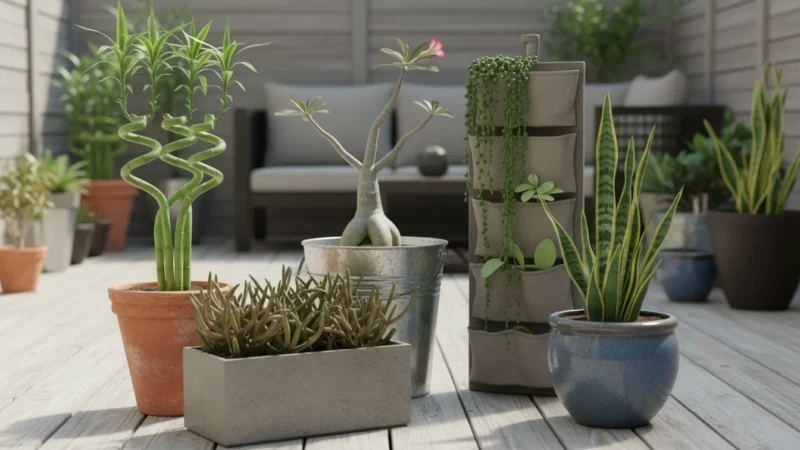
If your floor space is limited, use the app to experiment with creative vertical garden ideas like wall-mounted planters or tiered shelving.
Here is how you use them:
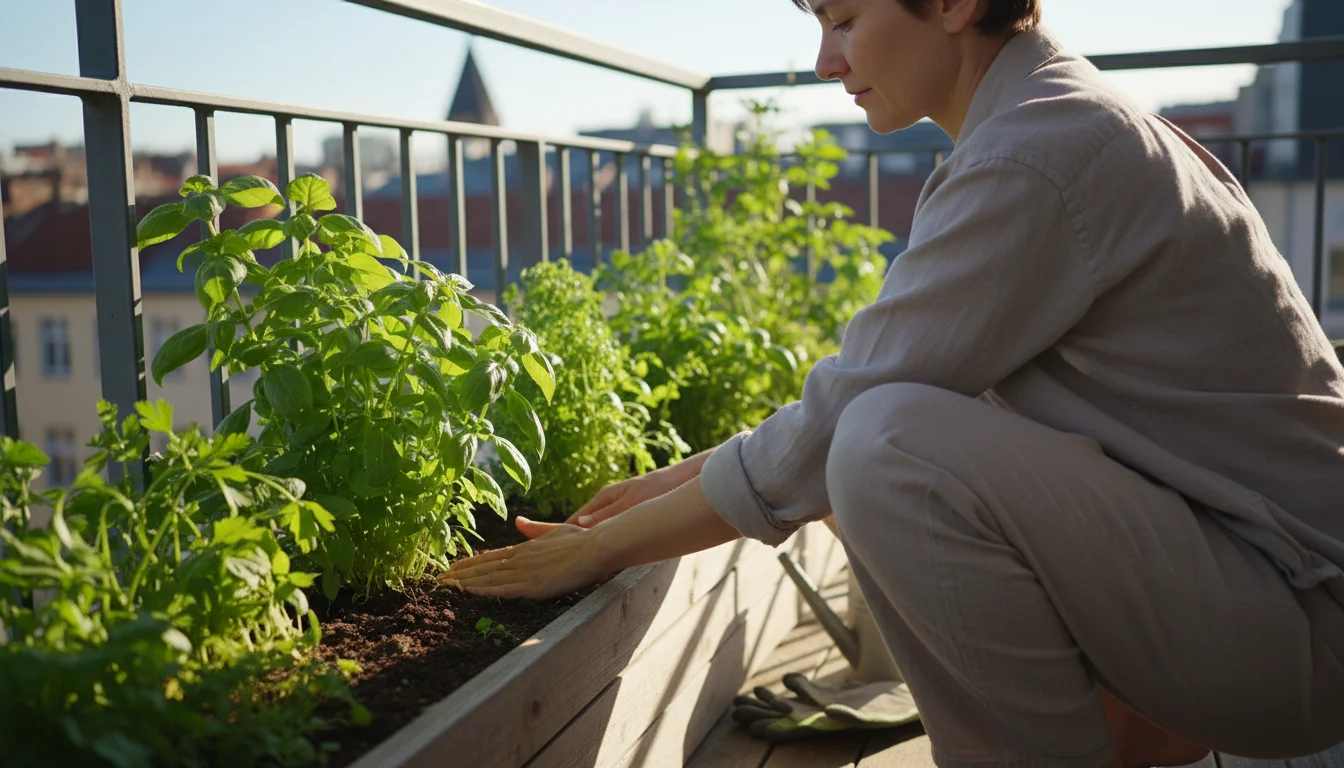
- Map Your Space: Start by inputting the dimensions of your balcony. Some apps allow you to draw irregular shapes, which is great for unique patios.
- Add Hardscape: Place virtual representations of permanent features like railings, doors, windows, and existing furniture. This helps you work around obstacles.
- Introduce Containers: Drag and drop various pot shapes and sizes onto your digital space. Experiment with different arrangements. You can often label them or assign specific plant types. This directly addresses “how to plan container spacing with an app,” allowing you to test configurations before committing.
- Place Your Plants: Browse the app’s plant database and place virtual plants into your containers. Many apps show the mature size of the plant, helping you avoid overcrowding. You can easily switch out plants to find the perfect combination of aesthetics and growing conditions. This ensures your choices align with the light and space available.
- Consider Sun Paths: Advanced layout apps might even let you simulate sun exposure throughout the day and year, crucial for a balcony where light conditions change dramatically.
By iterating on your design digitally, you gain confidence in your plan. You see potential issues, such as a large plant blocking light from a smaller one, or a container that makes access difficult, all before you spend money or time planting. This type of app is a top contender for the “best free app for planning a small vegetable garden” because it helps you maximize every square inch.
App 2: The Plant Encyclopedia & Care Guide for Smart Choices
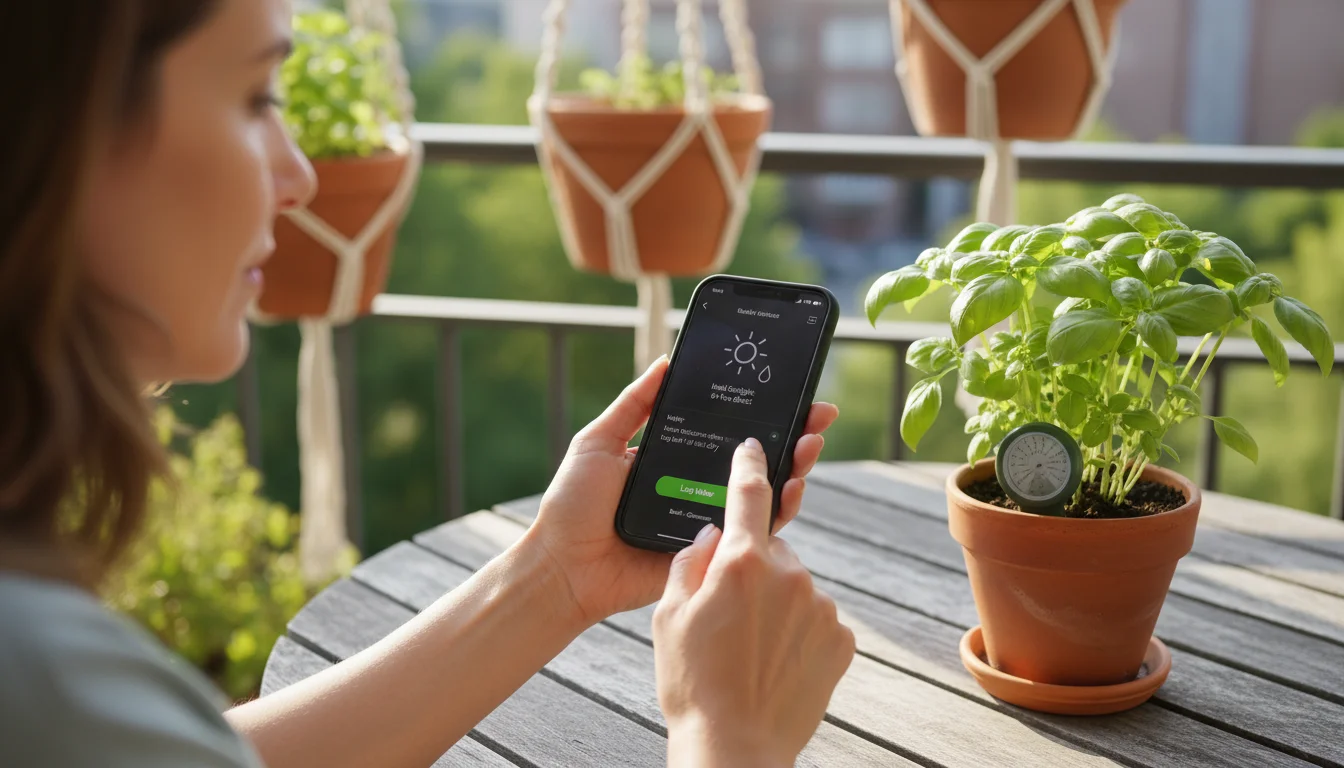
Selecting the right plants for your specific balcony conditions makes all the difference. A plant encyclopedia and care guide app provides a wealth of information, guiding your plant choices with data and practical advice. These apps are like having a seasoned horticulturalist in your pocket, offering insights into thousands of plant species.
Once you’ve narrowed down your list, cross-reference it with a spring planting guide for container gardeners to nail your timing.
When you use one of these apps, you access:
- Detailed Plant Profiles: Each plant entry provides critical information such as ideal sunlight exposure (full sun, partial shade), water requirements, soil preferences, mature size, and typical growing season. This helps you match plants to your balcony’s unique microclimate.
- Pest and Disease Identification: Many apps include visual guides to common pests and diseases, helping you identify problems early and find appropriate, often organic, solutions.
- Companion Planting Suggestions: For vegetable gardens, this feature is invaluable. Companion planting involves growing certain plants together to deter pests, attract beneficial insects, or improve growth. An app can suggest perfect pairings for your container garden layout.
- Edibility and Toxicity Warnings: If you have pets or small children, knowing which plants are toxic becomes paramount. These apps clearly flag potentially harmful plants.
- Seed Starting and Harvest Information: For the best free app for planning a small vegetable garden, information on when to sow seeds indoors or directly outside, and expected harvest times, streamlines your entire season.
Using this type of app ensures you choose plants that will truly thrive on your balcony. You avoid the common mistake of buying a beautiful plant only to realize it needs more sun or space than your limited area provides. This proactive approach supports both your plants’ health and your gardening success.
App 3: The Garden Journal & Task Manager for Beginners
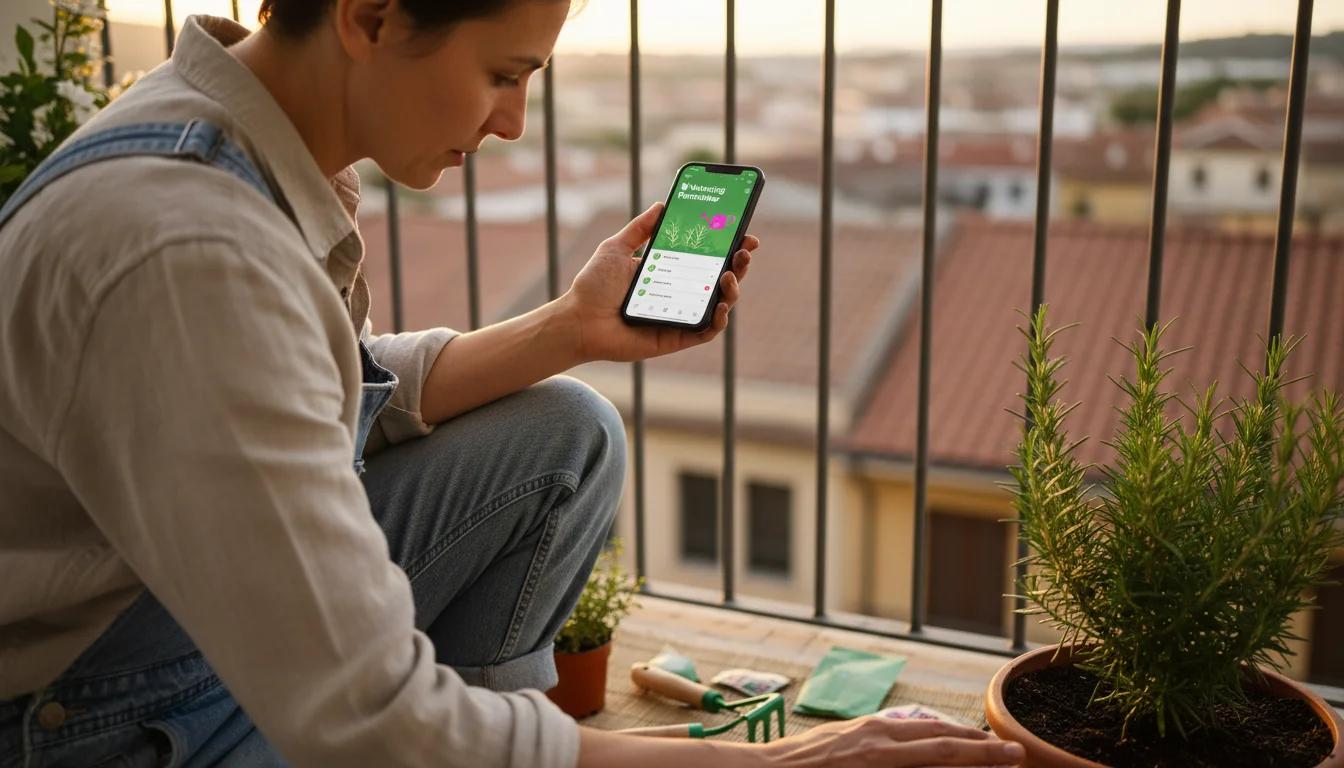
Maintaining a garden requires consistency and good record-keeping. A garden journal and task manager app becomes your personal assistant, especially for a “digital garden journal for beginners.” This app helps you stay on top of daily, weekly, and seasonal tasks, ensuring your plants receive the care they need to flourish.
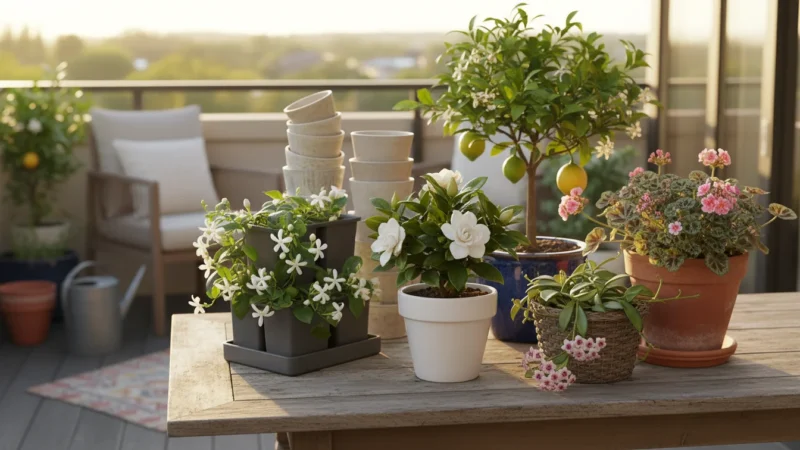
While your app keeps your data organized, you can also store your balcony supplies neatly to stay ready for action.
Key features you will find useful:
- Planting Log: Record when you planted seeds or seedlings, the variety, and where you placed them. This data is critical for understanding success rates and planning future seasons.
- Watering and Fertilizing Schedules: Set reminders for when to water specific containers or fertilize plants. This prevents both under and over-watering, common pitfalls for container gardeners.
- Observation Notes: Jot down observations about plant growth, flowering, pest presence, or unusual changes. These notes become a valuable reference for troubleshooting.
- Harvest Tracking: Document what you harvest, when, and how much. This helps you evaluate plant productivity and plan for next year’s yields.
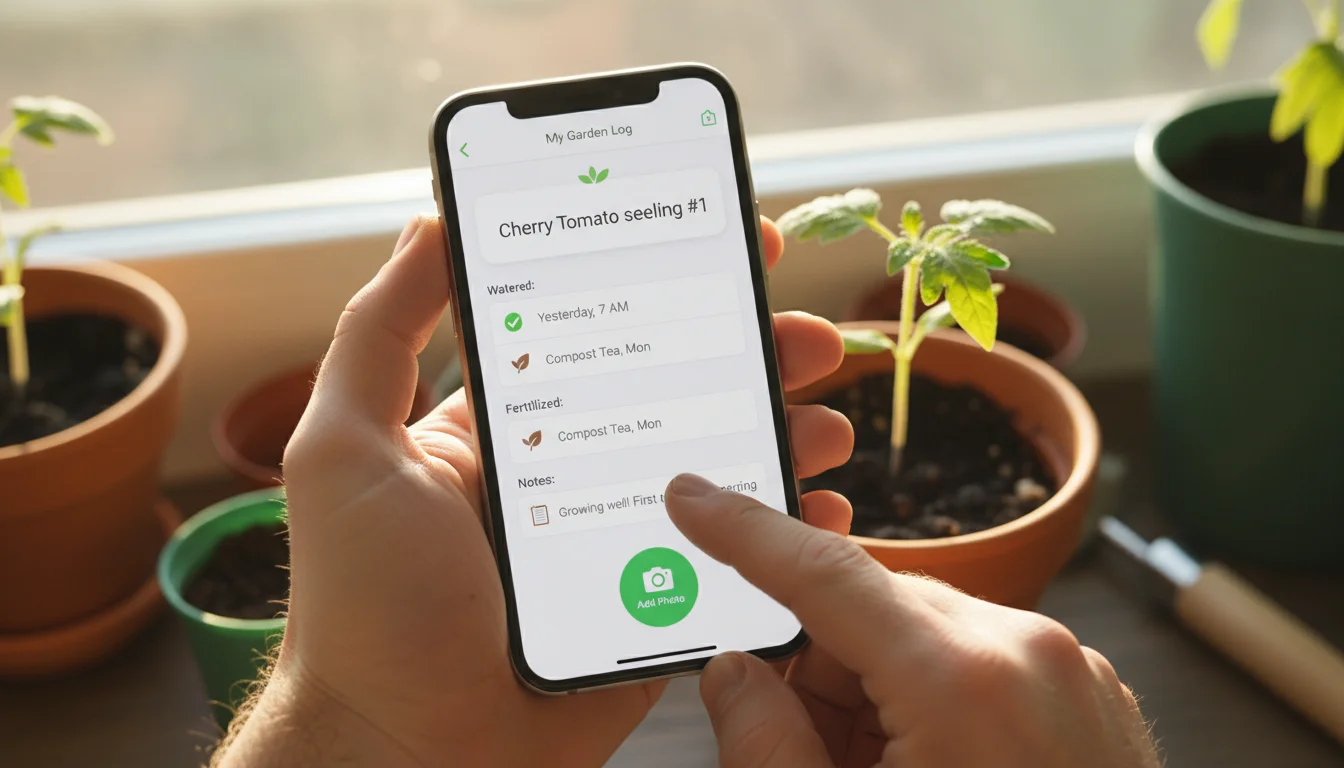
- Photo Diary: Many apps allow you to attach photos to your journal entries. Visual records of plant progress or problems are incredibly helpful for diagnosis and future reference.
A well-maintained digital garden journal helps you track your journey, celebrating successes and learning from challenges. It provides concrete data to improve your gardening skills each season, transforming guesswork into informed decisions. This continuous learning cycle is incredibly empowering for any gardener.
App 4: The Crop Rotation & Companion Planting Optimizer
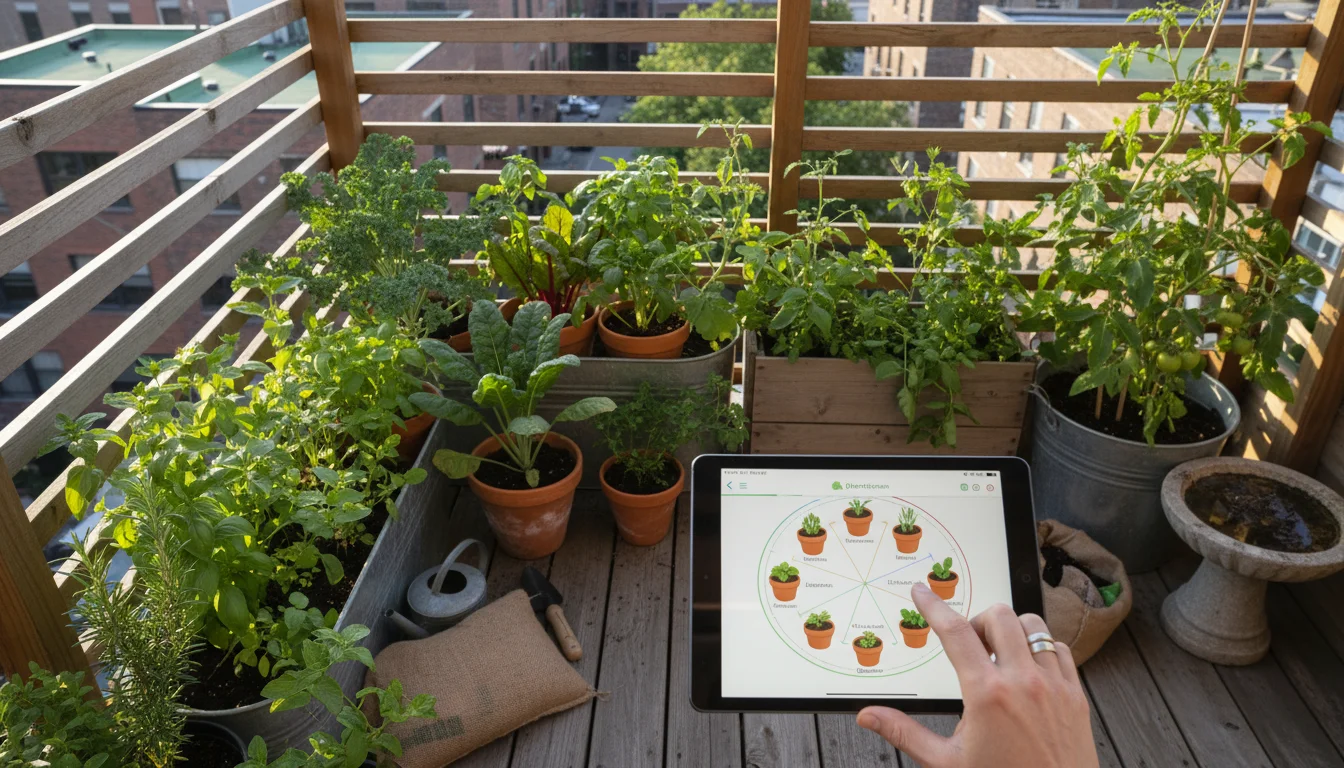
For small-space vegetable growers, maximizing yield and maintaining soil health are critical. A crop rotation and companion planting optimizer app provides advanced strategies that are surprisingly easy to implement digitally. This type of tool elevates your garden planning, ensuring sustainability and productivity in your container garden layout.
Here is how this app helps:
- Crop Rotation Planning: Even in containers, rotating crops helps prevent the buildup of soil-borne diseases and pests. If you reuse potting mix or refresh it with compost, knowing which “plant family” occupied a pot last year informs where you should plant it this year. The app helps you visualize and plan this rotation over multiple seasons, which is particularly beneficial for the best free app for planning a small vegetable garden.
- Companion Planting Suggestions: This feature integrates with your balcony garden design. The app identifies plants that thrive when grown together and those that should be kept apart. For example, basil often benefits tomatoes, while fennel can inhibit the growth of many vegetables.
- Succession Planting Guidance: For continuous harvests, succession planting means sowing small batches of seeds every few weeks. The app can help you schedule these plantings, maximizing the output from a single container or small bed over the growing season.
- Nutrient Management: Some advanced versions might offer insights into how different plant types use nutrients, helping you strategize your fertilization or soil amendment schedule. For example, legumes add nitrogen to the soil, benefiting leafy greens planted afterward.
By employing these strategies with digital assistance, you create a more resilient and productive small garden. You naturally adopt eco-friendly practices that lead to healthier plants and more bountiful harvests without relying on synthetic interventions.
App 5: The Weather & Climate Tracker for Optimal Placement
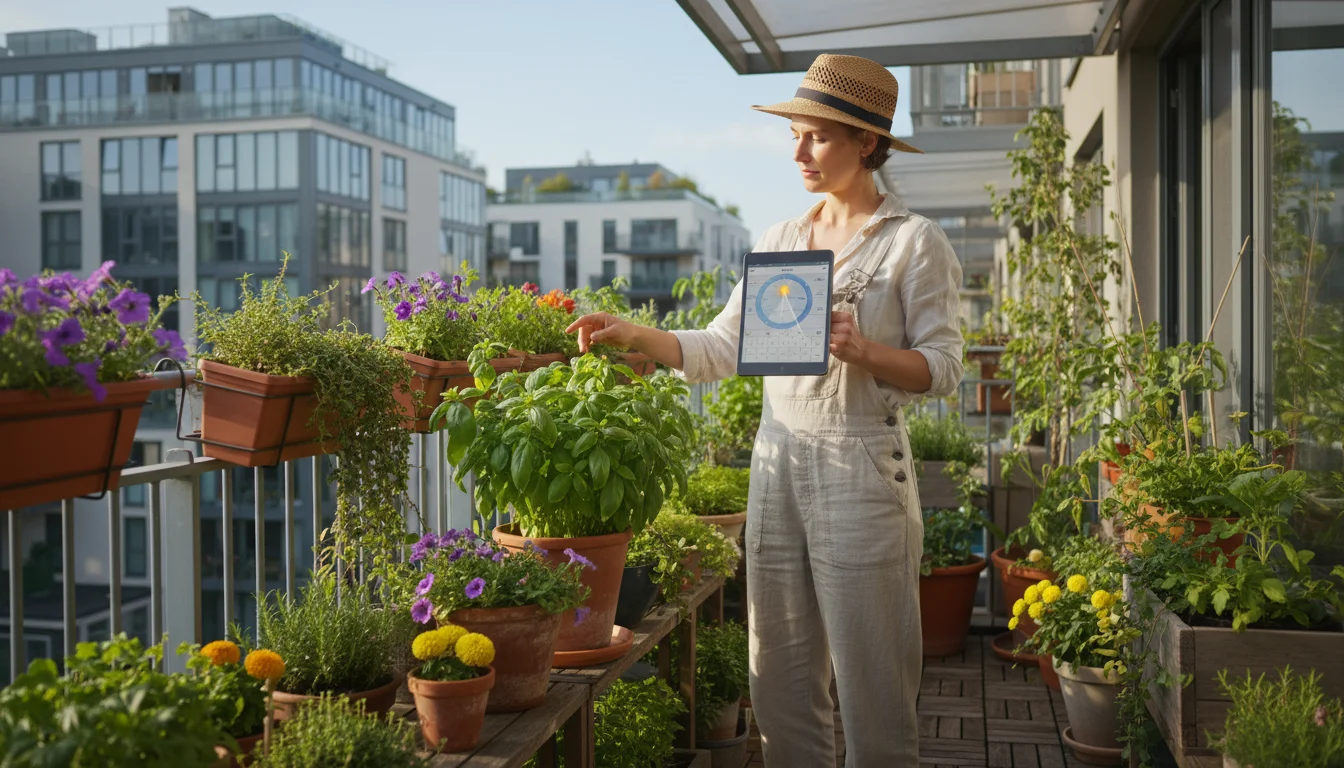
Your balcony garden’s success hinges significantly on local weather and climate conditions. A dedicated weather and climate tracker app, tailored for gardeners, provides crucial real-time data and long-term forecasts that help you make informed decisions about your container garden layout and plant care. This is a subtle yet powerful tool for precise garden planning apps usage.
Consider these benefits:
- Accurate Local Forecasts: Beyond general weather apps, gardening-focused trackers often provide more granular data relevant to plants, such as soil temperature forecasts, frost warnings, and extended rain predictions. Knowing when a late spring frost might hit allows you to protect tender seedlings.
- Sunlight Tracking: Some apps allow you to input your location and balcony orientation to estimate how much direct sunlight different areas receive throughout the day and year. This is invaluable for matching plants to their exact light requirements in your balcony garden design.
- Wind Speed and Direction: Balconies often experience strong winds, which can stress plants or knock over containers. An app that tracks wind helps you place wind-sensitive plants in sheltered spots or plan for windbreaks.
- Humidity Monitoring: For specific plants that prefer higher or lower humidity, tracking this metric helps you adjust watering or consider microclimates on your balcony.
- Historical Climate Data: Accessing historical data for your region helps you understand typical patterns, informing your planting calendar and helping you anticipate challenges like drought or excessive rain.
This type of app empowers you to act proactively rather than reactively. You can adjust watering based on expected rainfall, protect plants from unexpected cold snaps, or place containers strategically to leverage sunlight. It complements all other garden planning apps by grounding your plans in environmental reality.
Mastering Your Balcony Layout with Digital Tools
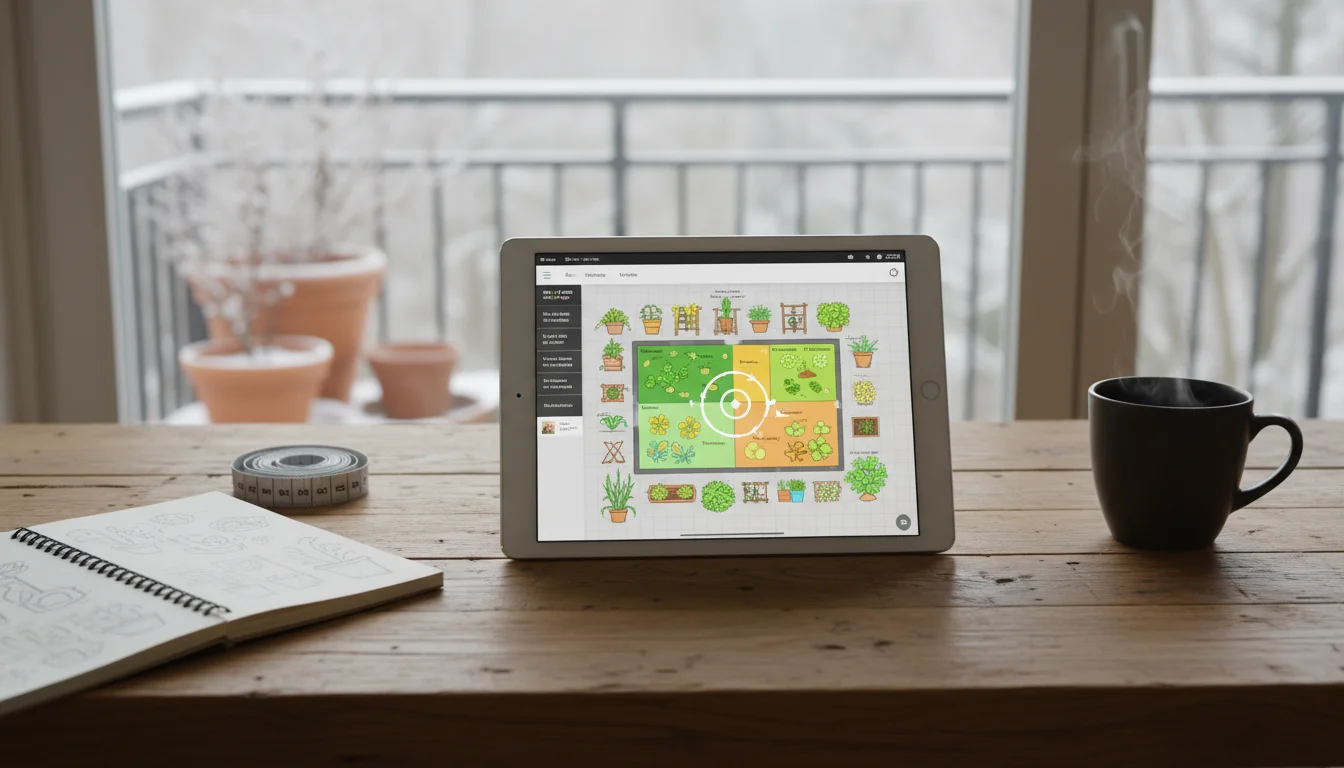
The ultimate goal of using garden planning apps this winter is to create a functional, beautiful, and productive balcony garden layout. Your digital tools provide a sandbox to play in, allowing you to experiment with various arrangements and plant combinations without physical effort. Here is a step-by-step approach to mastering your layout:
- Measure and Input: Accurately measure your balcony. Include any fixed structures. Input these dimensions into your visual layout designer app.
- Map Your Sun: Use your weather tracker app or simply observe your balcony throughout a sunny day in winter. Note where the sun hits at different times and for how long. Mark these zones on your digital plan: full sun (6+ hours), partial sun (4-6 hours), and shade (less than 4 hours).
- Define Your Zones: Think about how you use your balcony. Do you need seating? A clear pathway? A vertical gardening wall? Designate these zones within your app.
- Choose Your Containers: Select containers appropriate for your chosen plants and space. Remember, bigger pots often mean less frequent watering. Use the app to place various container sizes and shapes. This helps you visually confirm “how to plan container spacing with an app” efficiently, ensuring room for growth and access.
- Place Your Plants Strategically:
- Sunlight First: Place sun-loving vegetables and herbs (tomatoes, peppers, basil) in your full-sun zones. Shade-tolerant plants (lettuce, spinach, mint) go in partial sun or shadier spots. Use your plant encyclopedia app for guidance.
- Growth Habits: Consider mature plant size. Vining plants like cucumbers or peas need trellises or supports. Tall plants might block light from shorter ones. Use your visual layout tool to see how plants will fill out.
- Accessibility: Ensure you can easily reach all plants for watering, pruning, and harvesting. Do not overcrowd.
- Aesthetics: Mix textures, colors, and heights for visual appeal. Taller plants at the back, shorter ones in front.
- Incorporate Vertical Gardening: For truly small spaces, vertical gardening is a game-changer. Plan for wall planters, hanging baskets, or tiered shelves within your digital design.
- Review and Refine: Step back from your digital design. Does it feel balanced? Is it practical? Use your journal app to note down any changes or considerations for the actual planting phase.
This structured approach, guided by your chosen garden planning apps, transforms your winter planning into an exciting and productive activity. It ensures your balcony garden design is not just a dream, but a well-thought-out plan ready for spring.
Common Digital Planning Mistakes and How to Avoid Them
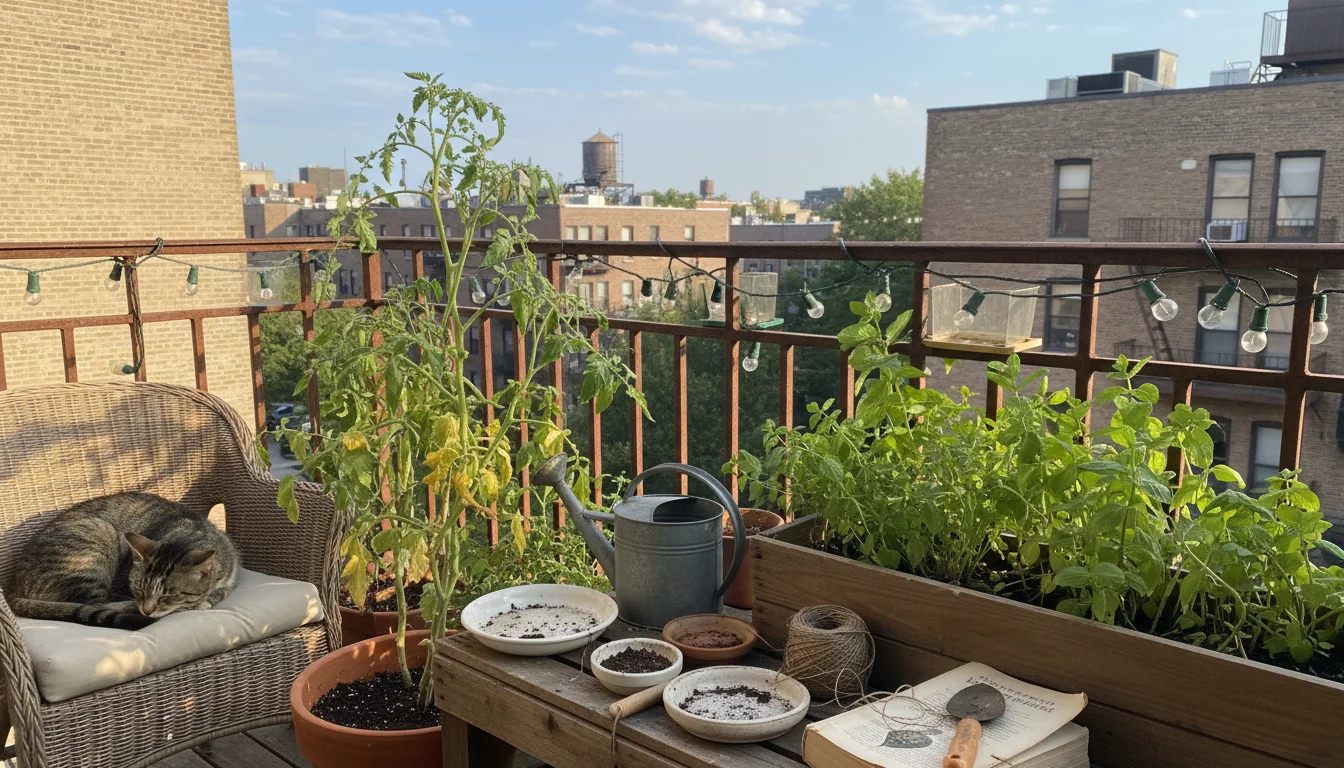
While garden planning apps offer immense benefits, a few common pitfalls can hinder your digital planning process. Recognizing and avoiding these mistakes ensures your winter efforts translate into spring success.
- Ignoring Real-World Conditions: Your app shows an ideal layout, but does it account for strong winds that funnel through your balcony, or a rain shadow cast by an overhang? Always cross-reference your digital plan with your actual balcony’s microclimate. Use your weather tracker app to understand wind patterns and sun exposure over time.
- Overlooking Mature Plant Size: A seedling in an app looks small, but a mature tomato plant can be massive. Not accounting for the full grown size of plants leads to overcrowding, poor air circulation, and reduced yields. Always consult the plant encyclopedia app for mature dimensions and space accordingly in your container garden layout. This directly impacts “how to plan container spacing with an app.”
- Forgetting Container Drainage: While apps do not directly manage drainage, your digital plan should remind you to use pots with drainage holes and appropriate potting mix. Lack of drainage is a leading cause of plant death in containers. Make a note in your digital garden journal for beginners to check this before planting. Drainage refers to how water moves through the soil. Good drainage prevents water from sitting around roots, which can cause them to rot.
- Neglecting Crop Rotation in Small Spaces: Even with limited containers, rotating your vegetables helps maintain soil health and reduces pest issues. If you replant in the same pot, consider refreshing the soil or, if possible, swapping out the soil. Your crop rotation optimizer app can guide you here.
- Failing to Journal Your Progress: The true power of a digital garden journal for beginners comes from consistent use. Do not just plan and forget. Document your planting, care, and harvest. This data becomes invaluable for improving your skills and future plans.
- Overcomplicating the Design: For beginners, it is easy to get carried away with too many plants or complex arrangements. Start simple. Focus on a few plants you love and master their care. You can always expand next season. Your balcony garden design should be manageable.
By being mindful of these potential missteps, you ensure your digital planning efforts are truly effective, leading to a vibrant and thriving balcony garden.
Extending Your Digital Garden Journey: Journaling and Beyond
Winter garden planning marks just the beginning of your digital gardening adventure. The free apps you use for initial design and plant selection offer tools that support your garden throughout the entire growing season and beyond. This ongoing engagement transforms your initial “garden planning apps” use into a continuous learning and growing experience.
Your digital garden journal for beginners becomes your most valuable tool once spring arrives. As your plants grow, update their status, note down watering times, fertilizing schedules, and any pest sightings. Take photos regularly. This detailed record helps you diagnose problems, track successes, and understand what works best in your specific balcony environment. For example, if you notice a particular variety of tomato consistently struggles in a certain spot, your journal provides the data to inform a better placement next year using your updated container garden layout.
Beyond journaling, continue to use your plant encyclopedia app for quick care reminders or to identify new pests. Your weather tracker app remains essential for sudden temperature drops or heatwaves, allowing you to move sensitive plants or adjust watering. Even your visual layout designer can serve as a reference throughout the season, reminding you of your intended design and helping you plan small adjustments.
Embrace the digital age in your garden. These tools are not just for winter planning; they are companions for every stage of your gardening journey, offering practical insights and actionable advice whenever you need it. They help you cultivate not only beautiful plants but also a deeper understanding of gardening principles and your own unique growing conditions.
Frequently Asked Questions
Can I really plan a full vegetable garden for free with these apps?
Yes, many free versions of garden planning apps offer robust features sufficient for planning a small vegetable garden on a balcony or patio. While some advanced features might be behind a paywall, you can effectively plan your container garden layout, select plants, and even manage tasks without spending money. The key is choosing apps that prioritize core planning functionalities in their free tiers.
How do these apps help with limited balcony space?
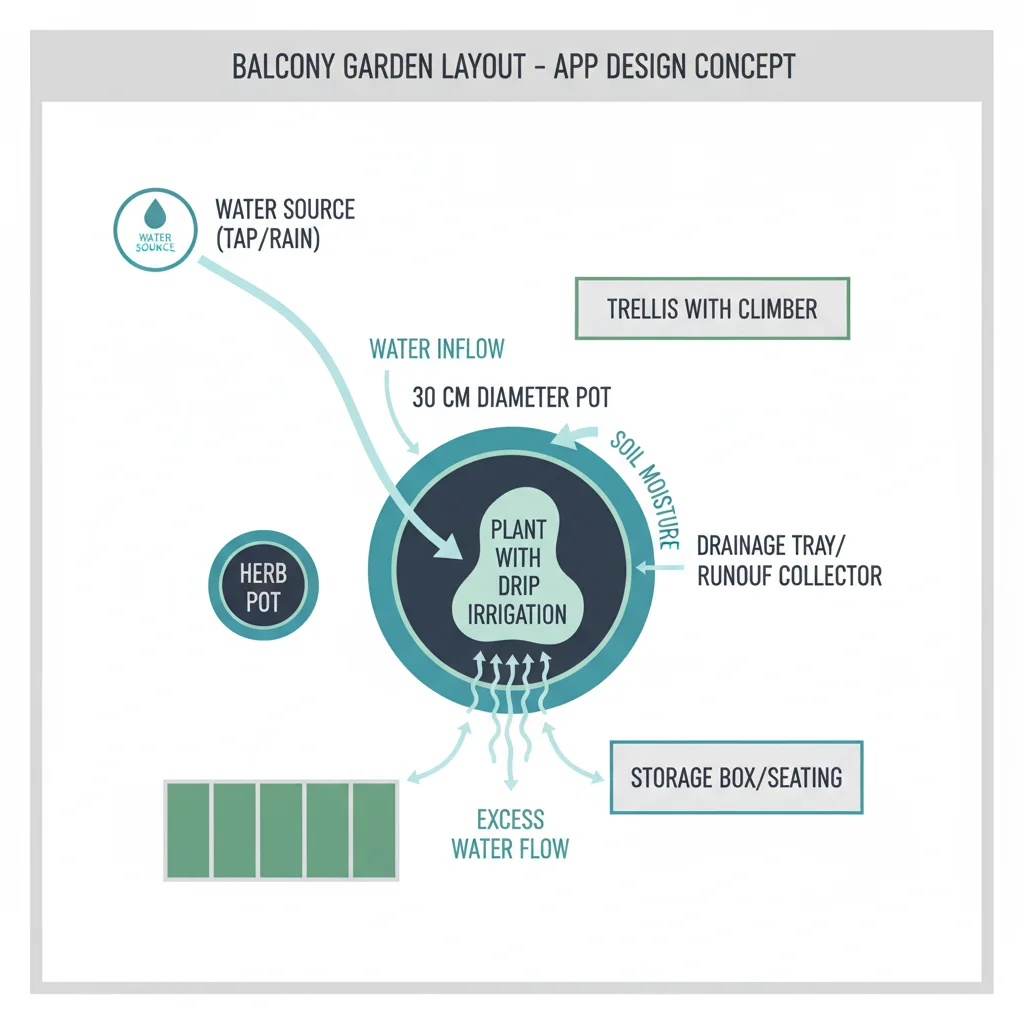
Garden planning apps are exceptionally helpful for limited spaces. They allow you to digitally measure your balcony, virtually place containers of various sizes, and experiment with different balcony garden designs to maximize every inch. You can assess plant spacing, integrate vertical gardening solutions, and ensure adequate sunlight for each plant, all before you purchase anything. This precision helps you avoid overcrowding and wasted space.
What if I am not very tech-savvy? Are these apps easy to use?
Most modern garden planning apps are designed with user-friendliness in mind. Developers understand that gardeners come from all walks of life. Look for apps with intuitive interfaces, clear icons, and straightforward drag-and-drop functionality. Many offer tutorials or clear instructions to help beginners get started. You will likely find them easier to use than you expect, quickly becoming comfortable with your digital garden journal for beginners.
Do these apps help with pest management and plant diseases?
Many plant encyclopedia apps and some journaling apps include features for pest and disease identification. They often have databases of common issues with pictures and recommended treatments, often focusing on organic solutions. Your digital garden journal also helps you track when issues appear and what treatments you applied, building a valuable history for future reference and prevention.
How accurately can I plan container spacing with an app?
You can plan container spacing with an app with a high degree of accuracy. Visual layout designers allow you to input precise dimensions for your containers and then place them within your digitally mapped balcony. You can see how much space each container occupies and how much room remains between them for walkways or other plants. Some even show the mature spread of plants, helping you avoid future overcrowding and ensuring optimal light and air circulation for each plant.
For trustworthy gardening information, visit:
U.S. National Arboretum, American Horticultural Society, National Garden Bureau and National Wildlife Federation — Garden for Wildlife. These organizations provide expert, research-based advice for gardeners at all levels.
Disclaimer: This article is for informational purposes only and is not a substitute for professional gardening advice. Always consult local extension services or horticulture experts for region-specific guidance.


Leave a Reply